
Synthesia Review: Starter vs Pro for Small Teams
A research review of Synthesia for repeat presenter videos, covering current plan names, credits, review roles and the cost of keeping content current.
Editorial disclosure: Official vendor links in this article are direct and untagged. We have not verified an affiliate arrangement or commission attribution for these links. Research scope and limitations are explained in the article.
On this page
Check the stated plan, date and evidence before applying a recommendation to your own workflow.
Quick answer: Evaluate Synthesia for presenter-led training or explanations that need scheduled updates. Starter and Pro should be compared by the work and roles they support, not by the old Creator plan name. Budget new lessons and revisions together; we have not rated avatar realism or learning outcomes.
Synthesia should be evaluated as a repeat presenter-video workflow when your team needs to explain procedures, maintain training material or deliver consistent internal messages. The useful question is whether a reviewer can approve and later update a complete lesson, not how many impressive avatars appear in a demo.
Method: Official pricing and the October plan-change documentation were checked on October 21, 2026. This is a research analysis; we did not generate an avatar video or measure audience comprehension.

Original ToolPeach editorial diagram. It explains a review process; it is not a product screenshot or measured result.
Synthesia Starter and Pro: current plan names
As of 2026-10-21, the pricing page lists Starter at $29 billed monthly and Pro at $89 billed monthly. The October 1 update renamed Creator to Pro. Keep that change in mind when comparing older reviews.
The update separates the base monthly allowance from the additional credits attached to paid plans. Dubbing and other features can draw on the available credits. Do not treat a credit count as a guaranteed number of finished training videos.
Match a plan to the production chain
Write down who drafts the lesson, who edits it and who approves the facts. Guest review and editing are different jobs; check the roles available on your selected plan rather than counting everyone as an editor.
A useful pilot is one short procedure with a real update requirement. For example, draft a software onboarding lesson, then change the name of a menu item. The important result is a correct revised lesson with no obsolete screenshot or spoken instruction left behind.
| Evaluation area | Approval evidence |
|---|---|
| Instruction accuracy | Every action matches the current process |
| Presenter suitability | Tone and pronunciation fit the audience |
| Accessibility | Captions and important on-screen text are checked |
| Update handling | A changed fact is corrected everywhere it appears |
| Distribution | The actual delivery format works in the destination |
This table defines a proposed pilot. Its outcomes remain untested for this review. For regulated or safety-related training, subject-matter approval remains essential.
Count maintenance as production
A recurring training library spends effort after its launch. Screens change, policy dates move and terminology evolves. Give each film an owner, review date and source document. Retain the approved script so the next editor can distinguish a factual update from a stylistic rewrite.
For a budget, estimate the output needed for new lessons and for scheduled updates separately. Check current generation and revision rules in the account before multiplying runtime by a generic credit rate. Do not turn a vendor's approximate conversion into a guaranteed delivery allowance.
When to shortlist it
Synthesia is a candidate when your content is repeatable, presenter-led and reviewed by a team. Compare HeyGen if your pilot also needs a different presentation style or localization workflow. Use identical scripts, target language and delivery requirements before judging either output.
Our purchase recommendation is conditional: choose the plan that fits your verified production volume, roles and update cycle. We do not assign a video-quality score, estimate a completion speed or claim learning outcomes without a controlled test.
Interpret the new allowance correctly
Synthesia's October notice gives every plan a base allowance of 10 video creation/dubbing minutes and 500 credits. It describes Starter's additional 1,250 credits and Pro's additional 6,000 credits separately. Those combine to 1,750 and 6,500 credits respectively, alongside the stated base minutes.
Keep the units distinct in a procurement note. A lesson that uses multiple features or needs revisions should be priced from the current account's consumption rules. A larger balance is not proof that fewer human checks are needed.
Sources and update record
Reviewed by the ToolPeach editorial team. Sources and plan details checked October 21, 2026. Prices, allowances and product behavior may change; use the linked official pages and your account terms for a current purchase decision.
Link disclosure: The vendor links in this article are direct, untagged links. They do not currently identify a ToolPeach affiliate referral.
Related reading
How we evaluated
- Charts from real data: 1
More from ToolPeach
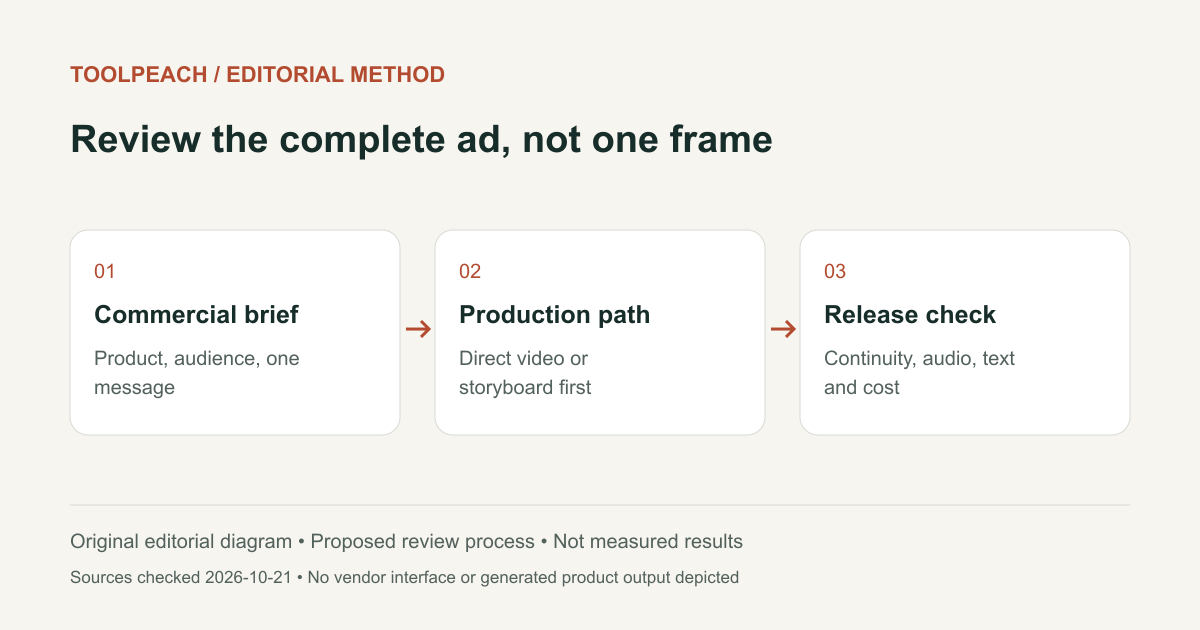
SellPix Video Ads Review: Product Video Workflow and Limits
A related-product review of SellPix Video Ads: direct generation, storyboard planning, product references, quotes, delivery and case provenance.
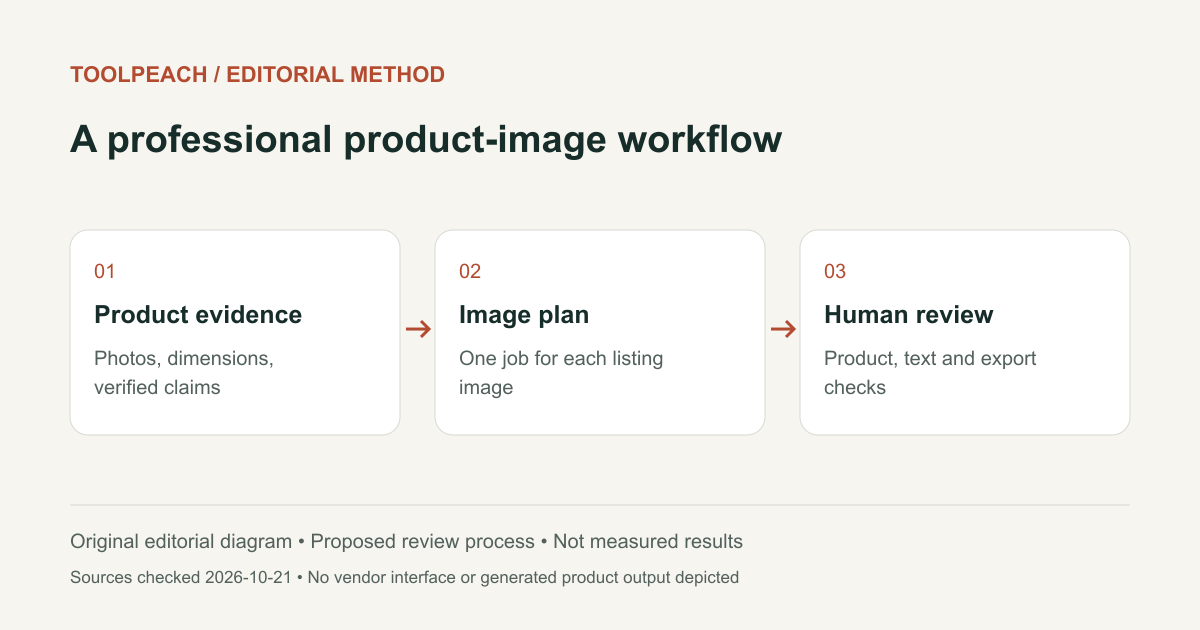
SellPix AI Review: E-commerce Image Workflow and Limits
A related-product review of SellPix AI: listing image planning, Amazon A+ content, localization, editing controls and the checks a seller still needs.
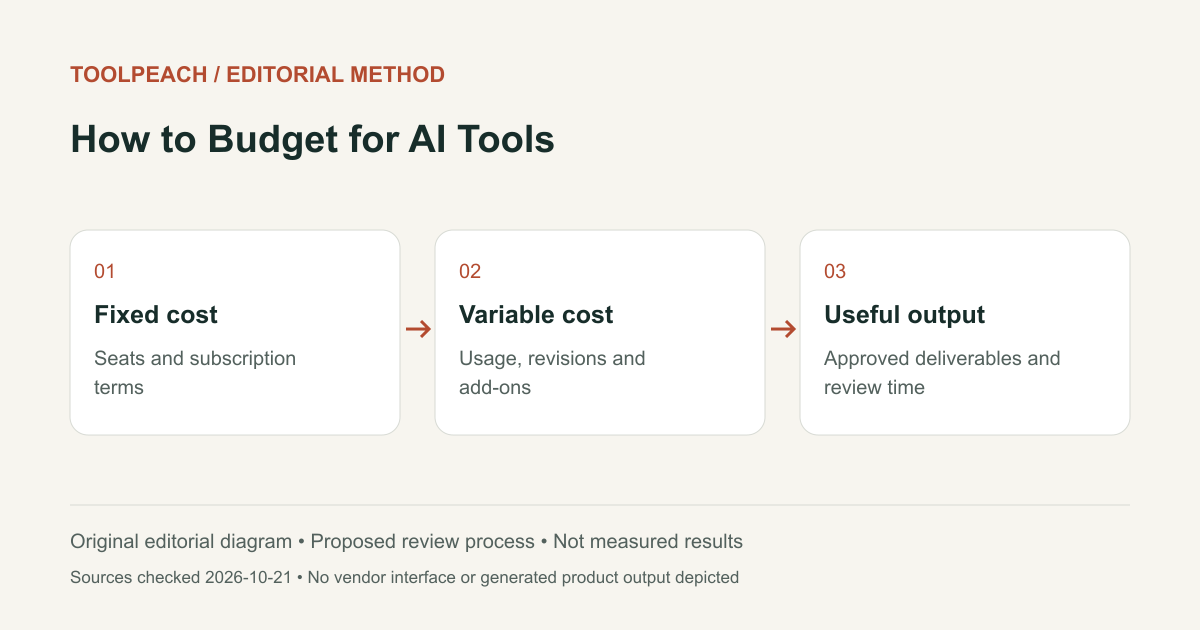
AI Tool Budget: Seats, Credits, Retries and Review Time
Build an AI tool budget around seats, usage, retries and accepted deliverables. Includes a hypothetical cost worksheet and a procurement checklist.