
SellPix Video Ads Review: Product Video Workflow and Limits
A related-product review of SellPix Video Ads: direct generation, storyboard planning, product references, quotes, delivery and case provenance.
Ownership disclosure: ToolPeach and SellPix AI are operated by the same business. This review includes first-party interface inspection, not an independent performance benchmark. Official links are direct and untagged.
On this page
Check the stated plan, date and evidence before applying a recommendation to your own workflow.
Quick answer: Shortlist SellPix Video Ads when product photos and a structured brief are the starting point for an advertising video. The useful distinction is a reviewable production workflow. Treat product fidelity, spoken claims, captions and the exported film as separate acceptance checks; we have not measured campaign performance.
SellPix Video Ads is a specialized production workflow for product advertising. Its professional value proposition is concrete: start from a product and a commercial brief, choose a direct generation path or develop a storyboard, review the quote and inspect the complete result before release. Teams preparing product launches, promotional variations or client proposals should evaluate that process as carefully as the visual output.
Relationship disclosure: ToolPeach and SellPix Video Ads are operated by the same business. This is a related-product review. It is not an independent award, a customer testimonial or a claim of superior advertising results.

Original ToolPeach editorial diagram. It explains a review process; it is not a product screenshot or measured result.
SellPix Video Ads: what we reviewed
We inspected the live Video Tool interface, its visible quality, duration, aspect-ratio and language controls, the example gallery and public workflow pages on October 21, 2026. We did not submit a new paid generation or run a controlled comparison against another video model. We therefore report observable workflow features and documented limits without assigning a quality score, success rate or generation-time promise.
The official site separates a short direct workflow from a Video Agent route that develops a creative plan. The product-photo workflow and launch workflow explain different starting points. That separation is useful: an approved concept needs execution controls, while an uncertain launch message needs planning first.

Live interface captured October 21, 2026. The earbuds film is the built-in example and is labelled as an example in the interface. It is not output from a new paid test.
What makes the workflow professional
A product ad has several jobs that a single attractive shot cannot complete. The opening needs to make the product relevant. The demonstration needs to remain faithful to the supplied item. The ending needs a readable message and a usable call to action. Reviewing those parts as one film is a more demanding standard than approving a thumbnail.
| Evaluation area | What we would require before delivery |
|---|---|
| Product fidelity | Compare shape, packaging, labels and accessories against the reference throughout the clip |
| Narrative | The opening, demonstration and ending support the same verified message |
| Motion | No unexplained object changes, broken interactions or continuity jumps |
| Text and audio | Names, numbers, subtitles, pronunciation and final audio are checked together |
| Placement | The exported aspect ratio, crop and safe areas suit the destination |
| Provenance | Identify generated footage, outside material and any post-production |
The product's emphasis on product references, ad styles and storyboard discussion supports this specialized positioning. That does not mean the software automatically performs every item in the table correctly; the table is our acceptance standard for evaluating a deliverable.
Read examples with their production labels
The example gallery identifies concept products and differentiates examples with post-production or independent creative production. Its photo-to-video section also provides a source-image comparison. These disclosures are useful because an edited showcase and an untouched model output answer different questions.
For your own test, keep the input image, exact brief, model selection and downloaded output. Compare at the beginning, middle and end, including the transition into the closing frame. A convincing still frame cannot establish continuity for the whole video. During this review the embedded comparison player did not load into a playable state in our browser, so we do not claim a fresh complete playback assessment of that clip.
Understand the quote and delivery path
The pricing explanation describes task-specific quotes and a wallet shared with the image system. Model, duration, resolution and production method affect the amount. Where planning, keyframes or a connected model account involve separate costs, include them in the project budget.
Also check whether the selected specification produces a complete video directly or composes clips, and whether the chosen delivery path needs the desktop client. A successful task and an output approved by a creative director are separate states. Keep a revision allowance rather than treating every generated second as a finished advertising asset.
The desktop product's local-project positioning should also be read precisely. Local storage is not a claim that model inference is offline: a selected provider may still need reference data to generate the video. We have not independently audited the desktop security boundary in this review.
Our assessment
SellPix Video Ads deserves consideration when a team wants an advertising-specific workflow with product context, a planning option, quote review and a defined delivery check. Its specialization is more meaningful than a generic promise to make videos quickly.
Before adopting it for a launch deadline, run a small representative job, retain the evidence and review the exported film in full. A separate measured review should report real production cost, revisions and approved results. We make no claim here about conversion lift, guaranteed completion time or market-leading quality.
Product links
Visit SellPix Video Ads · Open the Video Tool · Product-photo workflow · Product-launch workflow · Current pricing · Examples and source-image comparison · Desktop app
These are direct links to our related product, not third-party affiliate links.
An approval checklist for product advertising
Review the entire exported film, including its opening and closing frames. Compare the product silhouette, packaging, accessories and labels with the source photos. Read each caption against the approved brief and listen for altered numbers or unsupported promises. Confirm that the call to action leads to the intended product destination.
Keep the accepted file alongside the script and settings used to make it. If one scene changes, inspect the joins, music and subtitle timing again. These checks explain what a professional release process requires; they are not claims that a sample video has passed a new test in this review.
Sources and update record
Reviewed by the ToolPeach editorial team. Sources and plan details checked October 21, 2026. Prices, allowances and product behavior may change; use the linked official pages and your account terms for a current purchase decision.
- SellPix Video Ads product overview
- SellPix product-photo video workflow
- SellPix product-launch video workflow
- SellPix video examples and source-image comparison
- SellPix Video Ads pricing explanation
Related reading
How we evaluated
- Charts from real data: 1
More from ToolPeach
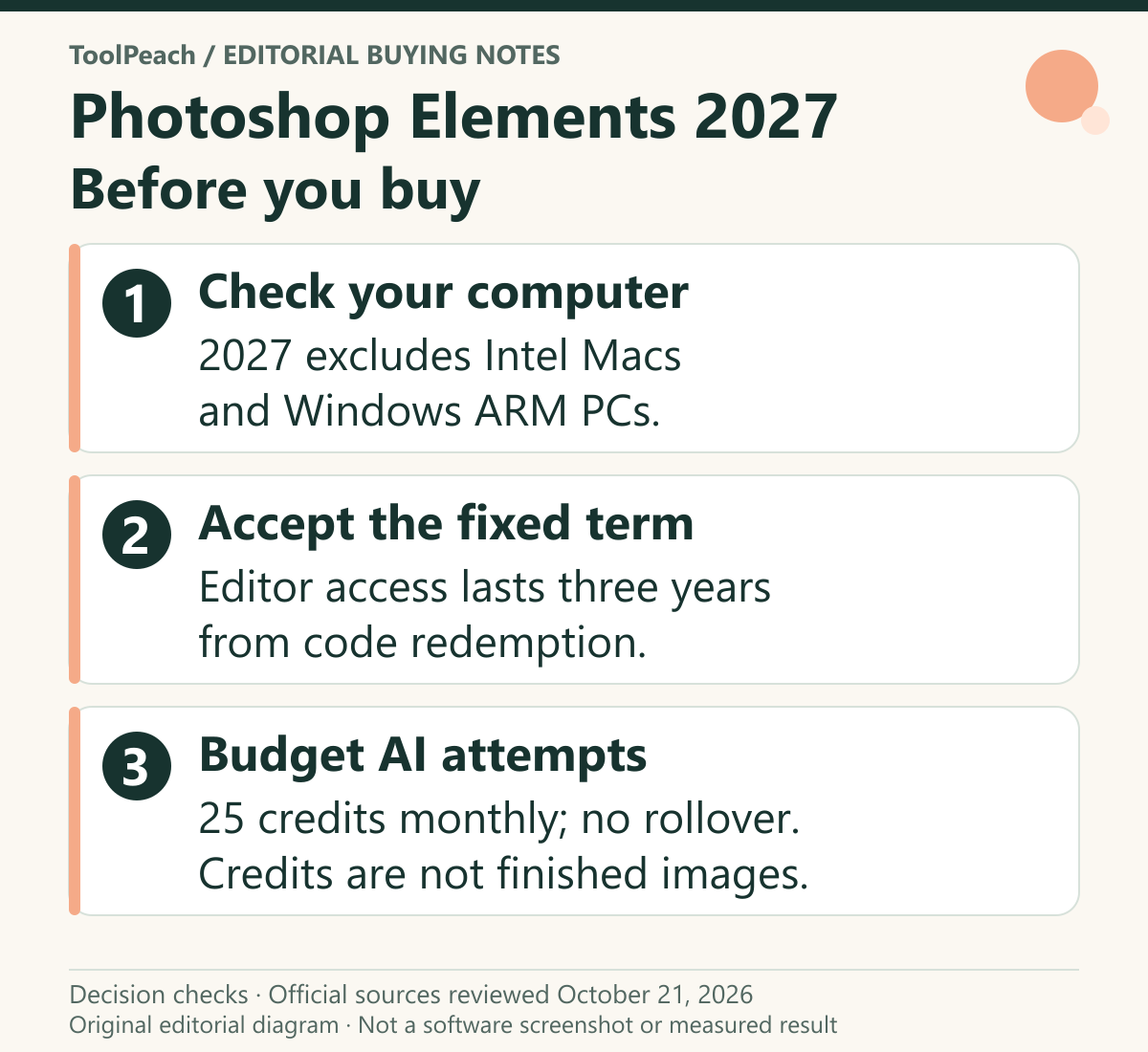
Photoshop Elements 2027 Review: License and AI Limits
A research-based review of Photoshop Elements 2027, covering its fixed license, monthly AI allowance, compatibility filters and a practical buying checklist.
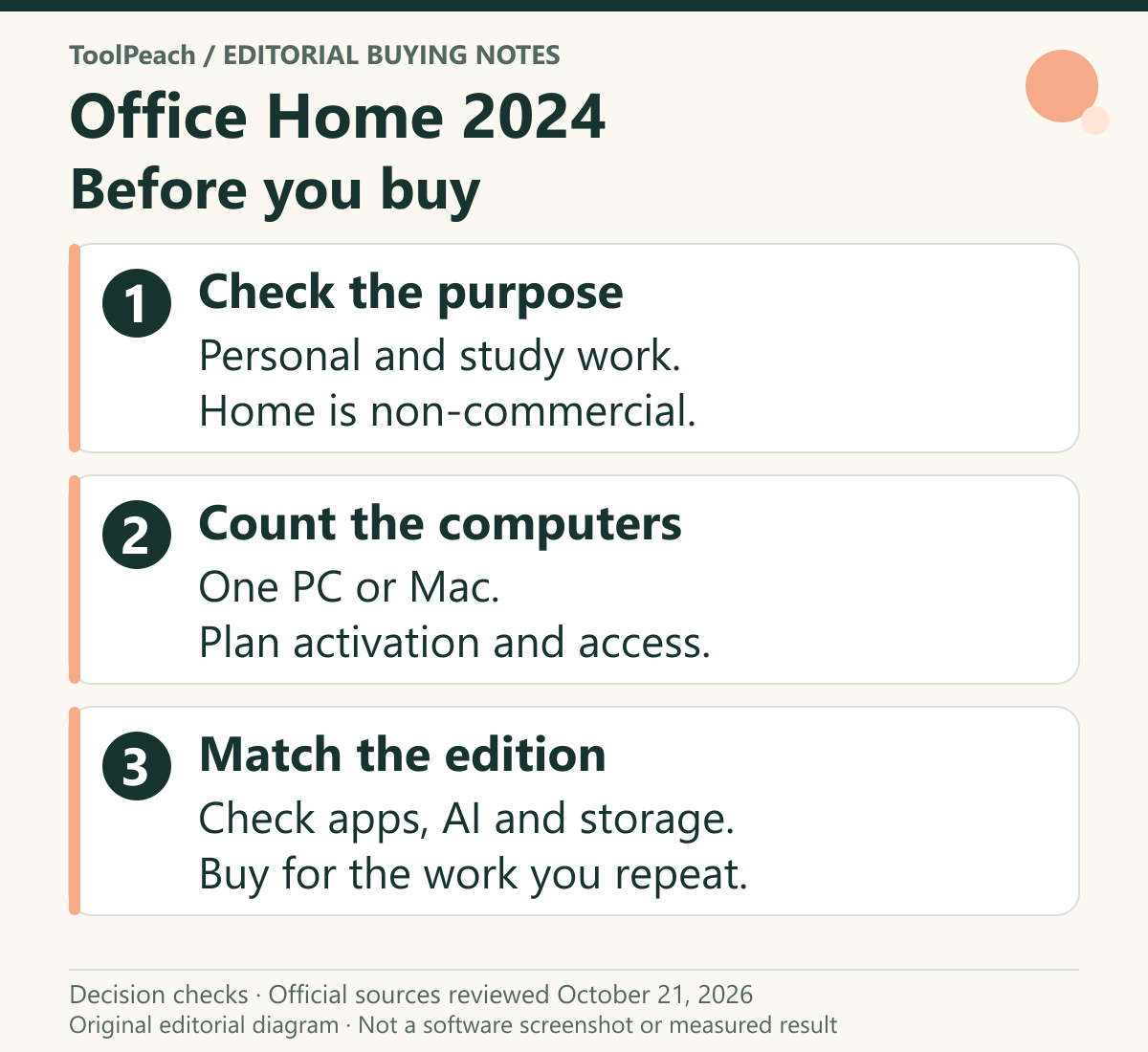
Office Home 2024 Review: One-Time License, Limits and Setup
A source-based review of Office Home 2024 for personal and study use, covering one-computer licensing, missing services, activation and the support horizon.
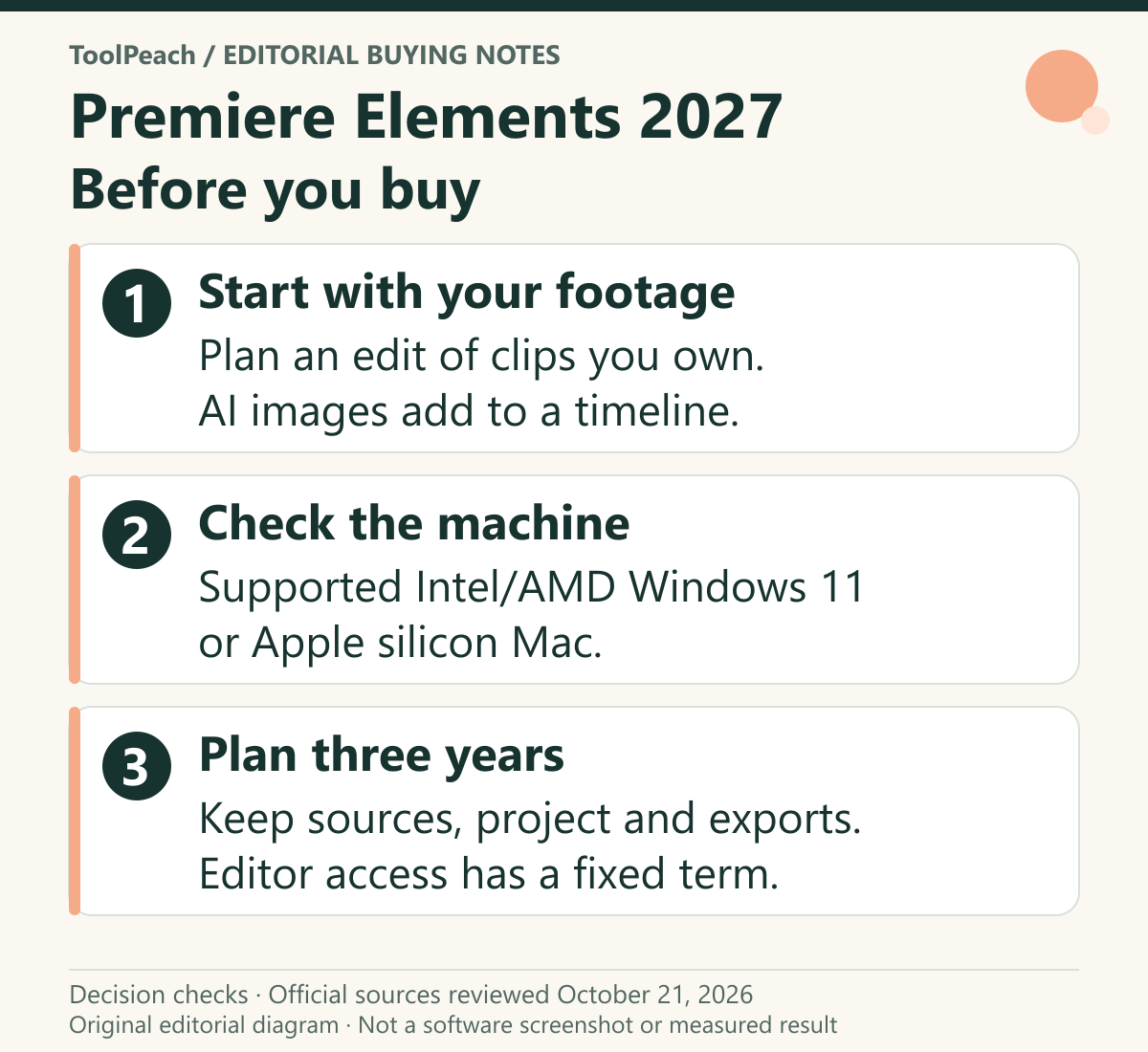
Premiere Elements 2027 Review: License, AI and Video
A source-based buying review of Premiere Elements 2027: its three-year editing term, compatible computers, generative image credits and a project to trial before purchase.