
AI Tool Budget: Seats, Credits, Retries and Review Time
Build an AI tool budget around seats, usage, retries and accepted deliverables. Includes a hypothetical cost worksheet and a procurement checklist.
Editorial disclosure: Official vendor links in this article are direct and untagged. We have not verified an affiliate arrangement or commission attribution for these links. Research scope and limitations are explained in the article.
On this page
Check the stated plan, date and evidence before applying a recommendation to your own workflow.
Quick answer: An AI tool budget starts with the work your team must approve, then maps that work to subscriptions, usage and review time. Adding advertised entry-level plans is not enough: the actual bill depends on who uses the tools, which product path they use and how often output needs another attempt.
This guide combines a budgeting method with official plan examples checked on October 21, 2026. Its worksheet is hypothetical. It is not a vendor quote, an observed production bill or financial advice about your business.
The working rule: Budget accepted deliverables, not just subscriptions. Keep fixed fees, chargeable extra usage and human review separate. Use a small pilot to replace assumptions about retries with records; do not treat an unknown charge as zero.

Original ToolPeach editorial diagram. It explains a review process; it is not a product screenshot or measured result.
AI tool budget step 1: deliverables and acceptance rules
Write down the monthly work: approved narrations, product visuals, presenter videos or edited documents. Give each a release criterion. A video may need correct product details, readable subtitles and a specified export. A draft may need every important claim checked against sources.
Estimate both generation and review. If the team cannot inspect the output, buying more capacity can simply create a larger unchecked queue.
2. Separate payment from monthly equivalence
Record monthly payments and annual commitments in separate columns. For example, as of 2026-10-21, Claude Pro lists $20 monthly or $200 paid upfront for a year. The annual equivalent is approximately $16.67 per month; it is not a $16.67 monthly invoice.
Use the undiscounted recurring price for the steady-state budget. Keep temporary promotions in a separate first-period column. Mark taxes and account-specific terms as unresolved until you have the actual checkout or contract.
3. Give every usage unit a name
Credits, tokens, characters, generated seconds and finished minutes are different units. Do not add them together or divide a cross-vendor credit allowance by one assumed conversion factor.
Record the product, model, feature, billing period and charging rule next to the amount. A website subscription and an API may have separate bills. The Claude Pro documentation explicitly distinguishes the consumer plan from Console API use. Confirm that boundary for every tool you adopt.
4. Budget the approval loop
Use this worksheet for one production lane. The values below are invented planning assumptions for demonstrating arithmetic, not measured tool performance.
| Hypothetical input | Amount (USD where monetary; planning example dated 2026-10-21) |
|---|---|
| Required accepted deliverables | 20 per month |
| Assumed attempts per accepted deliverable | 1.5 |
| Assumed usage charge per attempt | 2 |
| Fixed software allocation | 40 per month |
| Human review | 3 hours at an assumed 25 per hour |
In this hypothetical planning example dated 2026-10-21, variable usage is 20 × 1.5 × $2 = $60. Adding $40 fixed cost and $75 review time gives $175 monthly, or $8.75 per accepted deliverable. If attempts rise to 2.5, the same worksheet becomes $215, or $10.75 each. This is a sensitivity calculation, not a prediction.
Replace the assumptions with actual pilot records. Keep unknown amounts unknown rather than entering zero. Avoid double-counting usage already covered by a subscription; extra charges belong in the variable column only when applicable.
5. Check seats and extra usage
Identify who needs an editing seat, who only approves and which tasks require an API. Record any administrator-controlled extra usage separately from the included allowance. Set a spending cap for a pilot and stop when it is reached, even if an interesting comparison remains unfinished.
Also check whether revisions, exports, higher resolution, storage, connected accounts or desktop delivery introduce another cost. A task marked successful is not automatically a creative deliverable accepted by your team.
6. Keep a small production ledger
For every job, save the input, exact configuration, attempts, failures, approved output, consumed units and actual charge when known. Record reviewer time separately from supplier cost. Reconcile estimates with the provider bill before reporting savings.
Review the budget after a representative pilot, then choose a plan. Annual commitments should follow evidence that the tool meets recurring work, not a promotion alone. This method makes spending easier to explain without pretending that AI output is uniformly usable or that credits have the same value across vendors.
A compact procurement sheet
| Field to record | Why it changes the decision |
|---|---|
| Product and purchase channel | Web, mobile and API terms may differ |
| Seats and roles | Editing and review access need not cost the same |
| Billing commitment | A monthly equivalent can hide an upfront annual payment |
| Included unit and reset date | Unused credits may expire or belong to separate pools |
| Extra-usage policy | More work may require a tier upgrade rather than a top-up |
| Accepted output and review time | The generated file still has to meet a release criterion |
For example, HeyGen's web credit guidance directs Creator users who need more credits toward a plan upgrade. Notion's credit guide separates Standard and Select balances and gives different effective dates for new and existing workspaces. These examples explain why the unit, purchase channel and date belong in the sheet.
Sources and update record
Reviewed by the ToolPeach editorial team. Sources and plan details checked October 21, 2026. Prices, allowances and product behavior may change; use the linked official pages and your account terms for a current purchase decision.
- Claude pricing
- Claude Pro plan and API billing boundary
- HeyGen web credit allowances and upgrades
- Notion AI credit allowances and effective dates
Link disclosure: The vendor links in this article are direct, untagged links. They do not currently identify a ToolPeach affiliate referral.
Related reading
How we evaluated
- Charts from real data: 1
More from ToolPeach
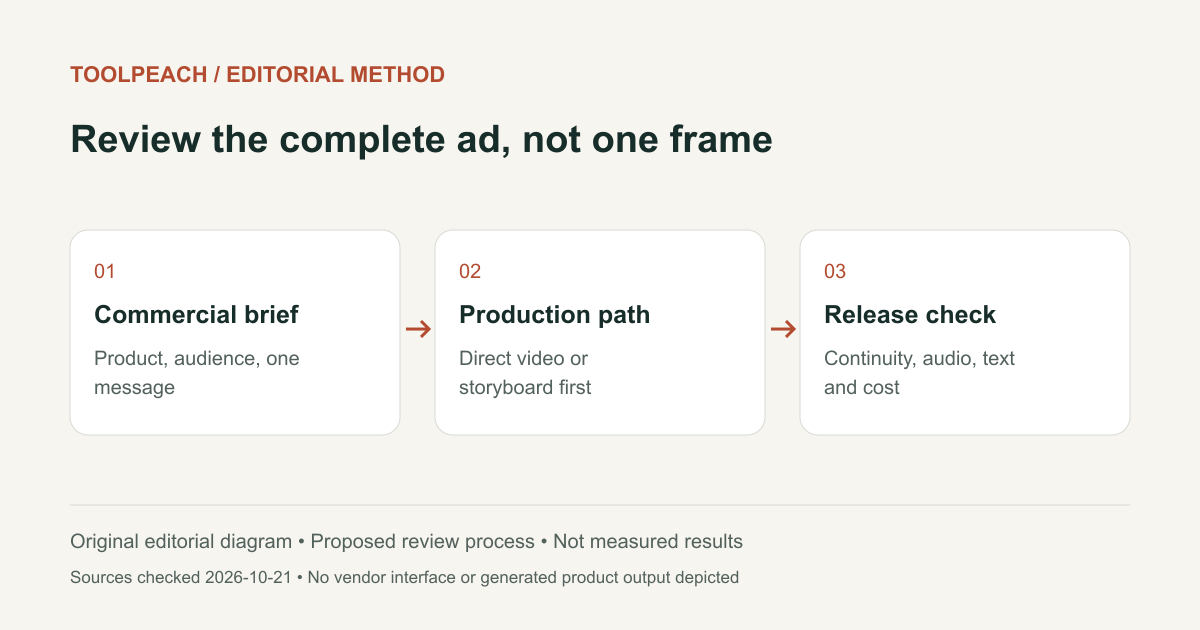
SellPix Video Ads Review: Product Video Workflow and Limits
A related-product review of SellPix Video Ads: direct generation, storyboard planning, product references, quotes, delivery and case provenance.
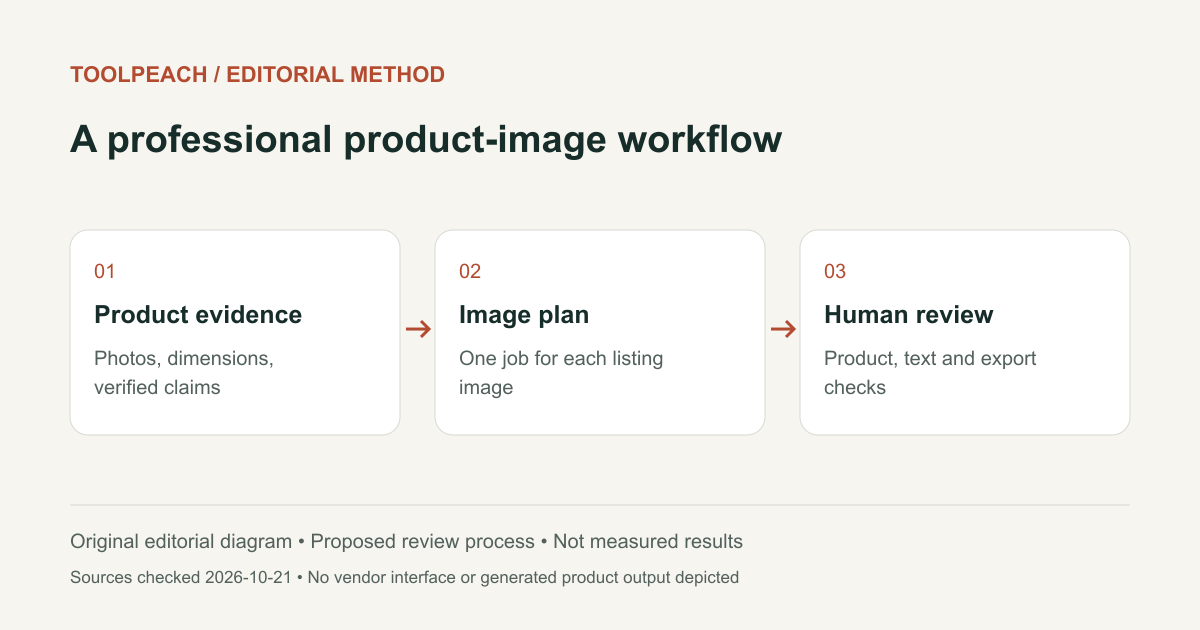
SellPix AI Review: E-commerce Image Workflow and Limits
A related-product review of SellPix AI: listing image planning, Amazon A+ content, localization, editing controls and the checks a seller still needs.
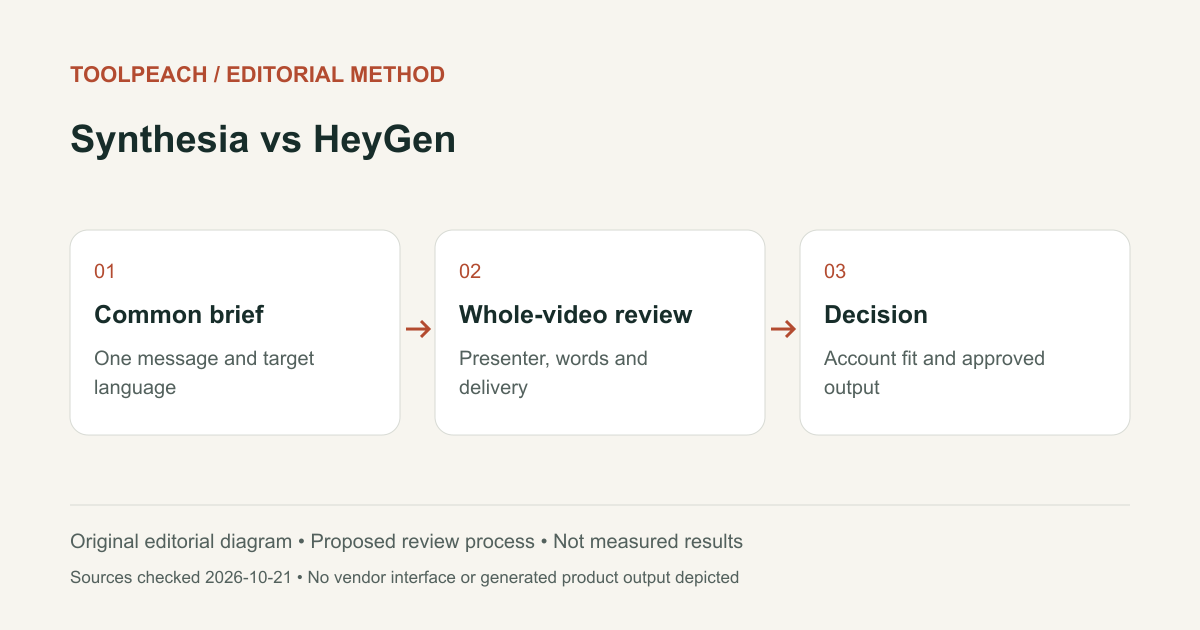
Synthesia vs HeyGen: Plans and Presenter Video Workflow
Synthesia vs HeyGen for presenter videos: compare current plans, credit boundaries, review needs, exports and a common video approval checklist.