
Photoshop Elements 2027 Review: License and AI Limits
A research-based review of Photoshop Elements 2027, covering its fixed license, monthly AI allowance, compatibility filters and a practical buying checklist.
Affiliate disclosure: As an Amazon Associate I earn from qualifying purchases. This source-based review has not been hands-on tested; its method and limitations are stated below.
On this page
Check the stated plan, date and evidence before applying a recommendation to your own workflow.
Quick answer: Photoshop Elements 2027 is worth shortlisting for occasional photo editing, guided corrections and organizing a personal image library. Buy it only after checking your computer and accepting a fixed three-year editor license. Its AI allowance is modest: 25 monthly credits are not a promise of 25 finished images. Frequent generative work or an established professional workflow needs a separate evaluation.
Affiliate disclosure: We may earn a commission from qualifying purchases made through the Amazon link in this article. This does not change our editorial assessment.
Method: This Photoshop Elements 2027 review examines Adobe's current product, licensing, compatibility and generative-credit documentation, checked October 21, 2026. It is official-source license and workflow research. We did not install the application, generate sample outputs or measure editing speed, image quality or reliability.

Original ToolPeach editorial decision diagram. It summarizes purchase conditions; it is not product photography, interface evidence or a measured result.
Photoshop Elements 2027 review: who should shortlist it?
The strongest fit is someone who wants structured help with existing photographs: correcting a family picture, removing a distraction or assembling a small creative project. Adobe provides Quick, Guided and Advanced modes, an Organizer and automated editing features. That combination offers a learning path rather than requiring every adjustment to begin with a blank canvas. See Adobe's current product overview.
For a seller or creator, the useful question is whether those controls solve recurring editing tasks. A visually appealing edit still needs inspection for changed product details, inaccurate colors and unwanted alterations. This review does not establish that Elements preserves those details automatically.
The three-year license is a purchase condition
Adobe describes Elements as a one-time, non-renewing purchase whose editor access expires three years after redemption. The Organizer's media catalog remains accessible afterward. Purchasing a newer version starts a new three-year term; the existing license should not be treated as an entitlement to every future release. These distinctions are explained in the official FAQ.
This is neither a permanent editor license nor a monthly subscription you can cancel after one project. A buyer who prefers predictable access over several years may accept that tradeoff. Someone expecting lifetime use should stop here and assess another licensing model.
| Purchase question | Practical decision |
|---|---|
| Will I edit regularly during the term? | Match the license to recurring work rather than one isolated task. |
| Do I expect permanent editor access? | The fixed expiry conflicts with that requirement. |
| Will I depend on future upgrades? | Evaluate each new version and its separate purchase conditions. |
| Can I retain important work independently? | Keep source files, exported deliverables and backups under your own control. |
AI credits and the three-year license: plan both limits
The standalone edition includes 25 generative credits monthly. Adobe says unused credits do not roll over, and consumption can depend on the feature, model and settings. The interface shows the required allowance before generation. Exhausting the allocation means waiting for the reset or considering an additional Firefly plan. Check the generative-credit documentation.
Do not convert that allowance directly into a production target. One acceptable asset may involve exploratory attempts, rejected variations and a correction. Track the credits consumed across the whole task, alongside the time needed to inspect and finish it. Traditional edits and generative actions also need separate expectations; the presence of AI features does not make every edit a credit-funded generation.
Check the 2027 requirements before buying
Compatibility is a significant filter for an older laptop. Adobe's 2027 system requirements specify:
| Platform | Checks that can rule out a purchase |
|---|---|
| Windows | Windows 11 24H2 or later; Intel Core ninth generation or newer, or an AMD equivalent supporting AVX2 and SSE4.2. Windows on ARM is unsupported. |
| Mac | Apple silicon M1 or newer. Intel processors are unsupported. Adobe lists macOS 15.5+ or macOS 26.5+. |
| Both | 8GB memory, with 16GB recommended; 1280×800 display minimum. Activation and downloading features or online content require internet access. |
Windows installation needs 9.6GB available space; macOS needs 7.2GB, with additional working space required. Windows also needs a DirectX 12-compatible display driver and 1.5GB GPU memory. Check the actual machine, not just whether its case says “Windows” or “Mac.” A computer running an older Elements release is not automatically compatible with this one.
A proposed editing pilot before committing
Use Adobe's trial to evaluate one ordinary photograph and one difficult image from your real workload. Keep untouched originals. Begin with exposure, crop and color adjustments; then test a specific correction such as removing an unwanted background object. Examine edges, textures and important details at full size before exporting.
If you also try a generative feature, record the selected model, displayed credit cost, attempts and accepted result. Reopen the exported file and inspect its dimensions and visible quality. These are proposed checks, not completed ToolPeach results.

Original ToolPeach proposed editing-check workflow. No Photoshop Elements output test was performed for this review.
Buying the correct Amazon edition
The linked product is Photoshop Elements 2027, standalone, three-year license key, PC/Mac online code, ASIN B0HK7DTSGK. It is not Photoshop, a Creative Cloud subscription or the photo-and-video bundle. Adobe's download and activation guidance explains redemption codes supplied by Amazon and other resellers.
The Amazon listing restricts this code to customers located in the United States and describes it as non-returnable and non-refundable. Confirm edition, location eligibility and compatibility before checkout.
View Photoshop Elements 2027 on Amazon (paid link) (Paid link)
Frequently asked questions
Is Photoshop Elements 2027 the same as Photoshop?
No. Elements emphasizes approachable photo editing and organization. Assess the application whose tools and workflow you actually need; the similar name does not make them interchangeable.
Does the license provide unlimited AI generation?
No. The standalone product has a monthly credit allocation. Additional generation and revision requirements can exceed it.
Should I buy it for an Intel Mac or Windows ARM laptop?
The current 2027 requirements exclude both. Verify your processor before purchasing a digital code.
Related reading
- SellPix AI: e-commerce image workflow and limits
- AI tool budget: seats, credits, retries and review time
Sources and update record
Official documentation and the linked edition were reviewed on October 21, 2026. Product terms can change; recheck the current requirements before purchase. This article reports a source-based assessment, with no hands-on benchmark or numerical product rating.
- Adobe Photoshop Elements 2027 product overview
- Adobe Photoshop Elements 2027 FAQ: licensing and product differences
- Adobe Photoshop Elements generative credits: allocation, consumption and rollover
- Adobe Photoshop Elements 2027 system requirements
- Adobe Photoshop Elements downloads and redemption-code guidance
How we evaluated
- Charts from real data: 2
More from ToolPeach
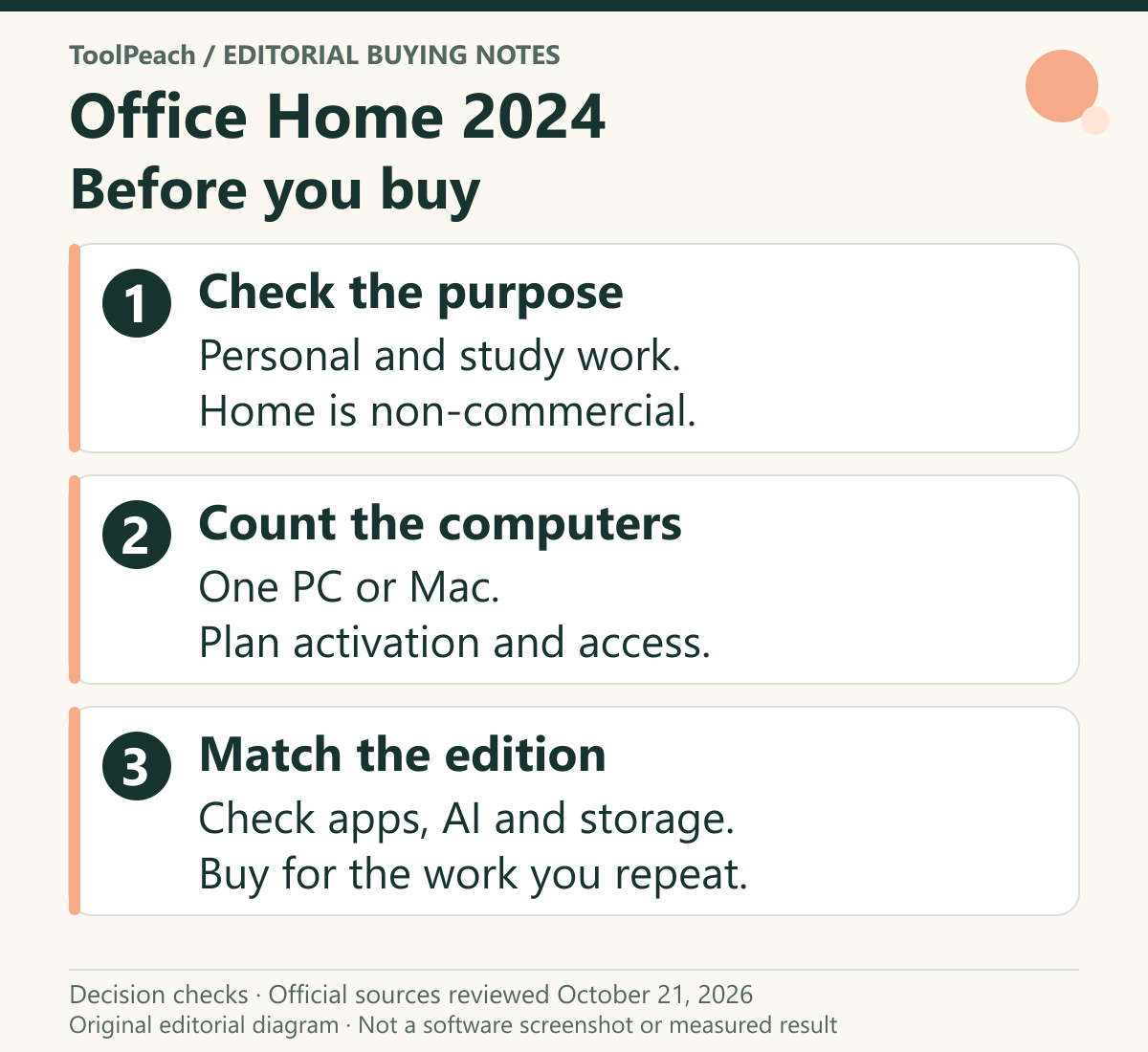
Office Home 2024 Review: One-Time License, Limits and Setup
A source-based review of Office Home 2024 for personal and study use, covering one-computer licensing, missing services, activation and the support horizon.
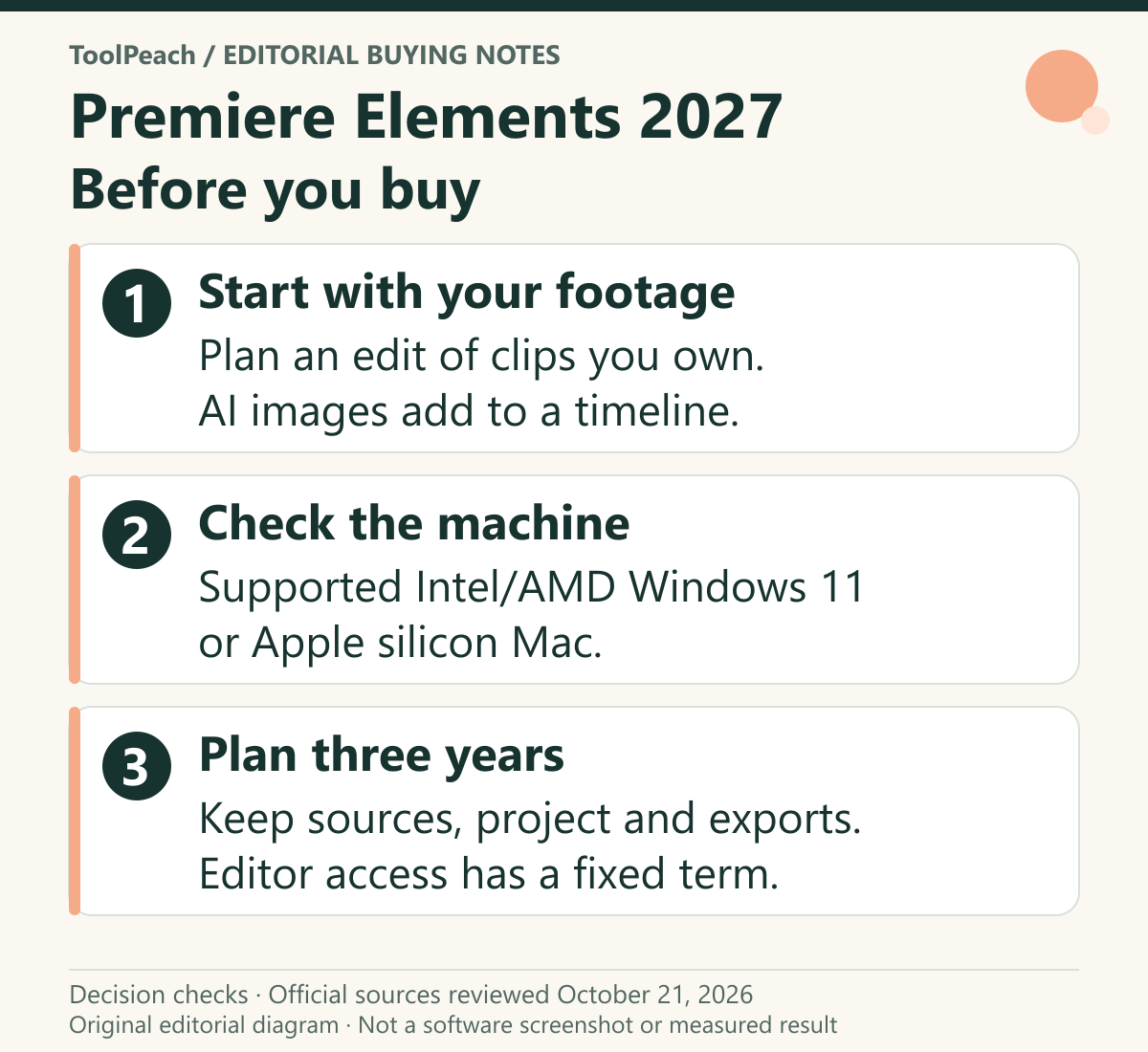
Premiere Elements 2027 Review: License, AI and Video
A source-based buying review of Premiere Elements 2027: its three-year editing term, compatible computers, generative image credits and a project to trial before purchase.
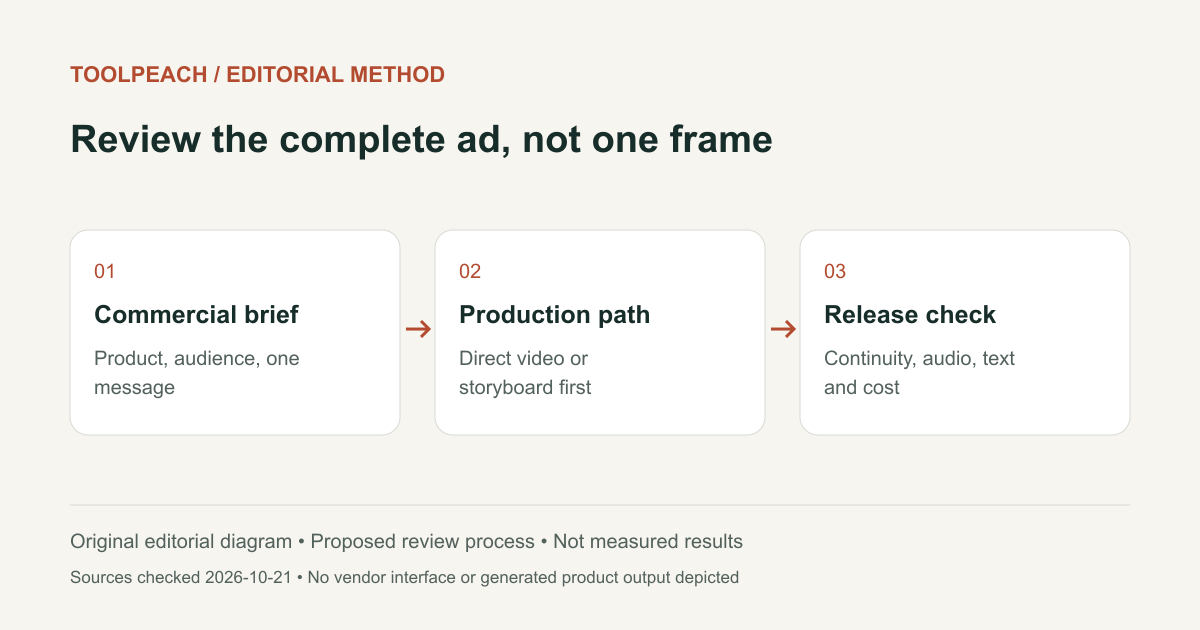
SellPix Video Ads Review: Product Video Workflow and Limits
A related-product review of SellPix Video Ads: direct generation, storyboard planning, product references, quotes, delivery and case provenance.