
CorelDRAW 2026: One-Time License, AI Credits and Design Workflow
A research-based guide to CorelDRAW 2026: one-time versus subscription rights, finite AI credits, file handoff and the exact US Amazon download edition.
As an Amazon Associate I earn from qualifying purchases.
On this page
Check the stated plan, date and evidence before applying a recommendation to your own workflow.
Short answer: CorelDRAW 2026 is worth considering when your work needs editable vector artwork, page layout and controlled file handoff. The one-time PC/Mac license suits a stable desktop workflow; it is a weaker fit if you expect a browser workspace, continually renewed AI credits or a template-first tool that needs little design practice.
This is a source-based buying analysis, not a hands-on performance test. We checked the official comparison and the US Amazon listing on October 22, 2026. We have not measured rendering speed, AI output quality or compatibility with your files.

AI-generated editorial staging based on the digital cover. The purchase is a digital license, not a physical boxed shipment or application screenshot.
Start with the deliverable, not the AI button
A logo that must scale to a sign, a print-ready brochure and a quick social post create different requirements. CorelDRAW combines vector illustration and layout; PHOTO-PAINT handles pixel editing, while Font Manager supports font organization. That combination makes sense when one project moves between artwork, photographs and production files.
Our practical test before buying would be to reproduce one real deliverable in a trial: import your source file, edit the text, replace a photograph, export the format your recipient needs and ask them to reopen it. A supported file extension alone does not prove that fonts, effects and color settings will survive every exchange.

One-time license versus subscription
| Decision | CorelDRAW Graphics Suite 2026 one-time purchase | Subscription or maintained license |
|---|---|---|
| Desktop workflow | Fixed 2026 product entitlement | Ongoing entitlement under the active plan |
| Generative AI allowance | Official comparison lists 2,000 credits once | Official comparison lists 2,000 credits monthly |
| CorelDRAW Web | Not included in the compared one-time edition | Included in the compared subscription offering |
| Best reason to choose | Stable desktop production needs | Web workflow and ongoing subscriber benefits |
These are separate products, not two payment buttons for identical benefits. Extra credits can cost more. Do not read a one-time allowance as an unlimited or recurring supply, and check the live comparison again before purchase because plan benefits can change.

Where it fits, and when to skip it
Choose the desktop suite if you need to adjust shapes, typography and layouts repeatedly, and you are prepared to learn production settings. For an occasional invitation or a few templated posts, the learning effort can outweigh the benefit. A lightweight template editor may be enough; that alternative is a workflow comparison, not a claim that its file handling matches CorelDRAW.
If most of your work is photo correction, compare a dedicated photo editor before paying for a broader graphics suite. If colleagues need simultaneous browser editing, verify that exact collaboration requirement rather than assuming that a desktop file plus cloud storage solves it.

CorelDRAW Graphics Suite 2026: For editable desktop design
See the PC/Mac Download on Amazon (Paid link)
Check the exact Amazon edition
The linked product is Graphics Suite 2026 PC/Mac Download, ASIN B0GKL81ZJ6. It is not Essentials, Standard, an education license or the one-year subscription variant. The US listing says the digital item is limited to customers located in the United States and is non-returnable and non-refundable. Check eligibility and the applicable terms before ordering.
Also compare your computer with the current system requirements. Internet is required for installation and authentication and for relevant online components. Offline desktop use should not be confused with offline access to cloud or generative features. Keep your purchase receipt and account/license records so a later reinstall is manageable.

A small purchase checklist
- Write down your two most common deliverables and their required export formats.
- Open representative source files in the trial on the computer you will use.
- Decide whether Web access and recurring AI credits are essential.
- Confirm full commercial edition, platform, region and download entitlement.
- Budget learning time and any extra credits alongside the license.
Questions before buying
Does buying once include monthly AI credits? No. The official comparison distinguishes the one-time 2,000-credit allowance from the monthly subscription allowance.
Is the Amazon item the education edition? The linked ASIN is the standard Graphics Suite PC/Mac download listing; education and subscription entries are separate choices. Recheck the selected variant at checkout.
Does this replace Canva for everyone? No. It answers a different need: detailed editable artwork and desktop production. Choose by the file and workflow you need to deliver.
Method and sources
Our recommendation follows the verified license boundaries and a proposed file-handoff test. No benchmark, star rating or first-hand usage claim is supplied. Market research for Canva alternatives is category context, not evidence of CorelDRAW sales or brand demand.
- CorelDRAW official version and purchase comparison
- CorelDRAW product details and system requirements
- Amazon US: exact PC/Mac download edition (Paid link)
For a wider cost checklist, read our AI tool budget guide.
How we evaluated
- Charts from real data: 4
More from ToolPeach
PowerDirector 2027 Ultimate: What the One-Time License and 500 AI Credits Include
PowerDirector 2027 Ultimate is a Windows video editor sold as a PC online code, and the Amazon listing states a one-time purchase with 500 credits for the first year. CyberLink's credits FAQ confirms that allotment is redeemable once after purchase, and the listing warns that generative and agentic AI features run on credits and may cost extra. This guide separates the permanent editor license from the credit-metered AI layer and marks every unstated value as unknown.
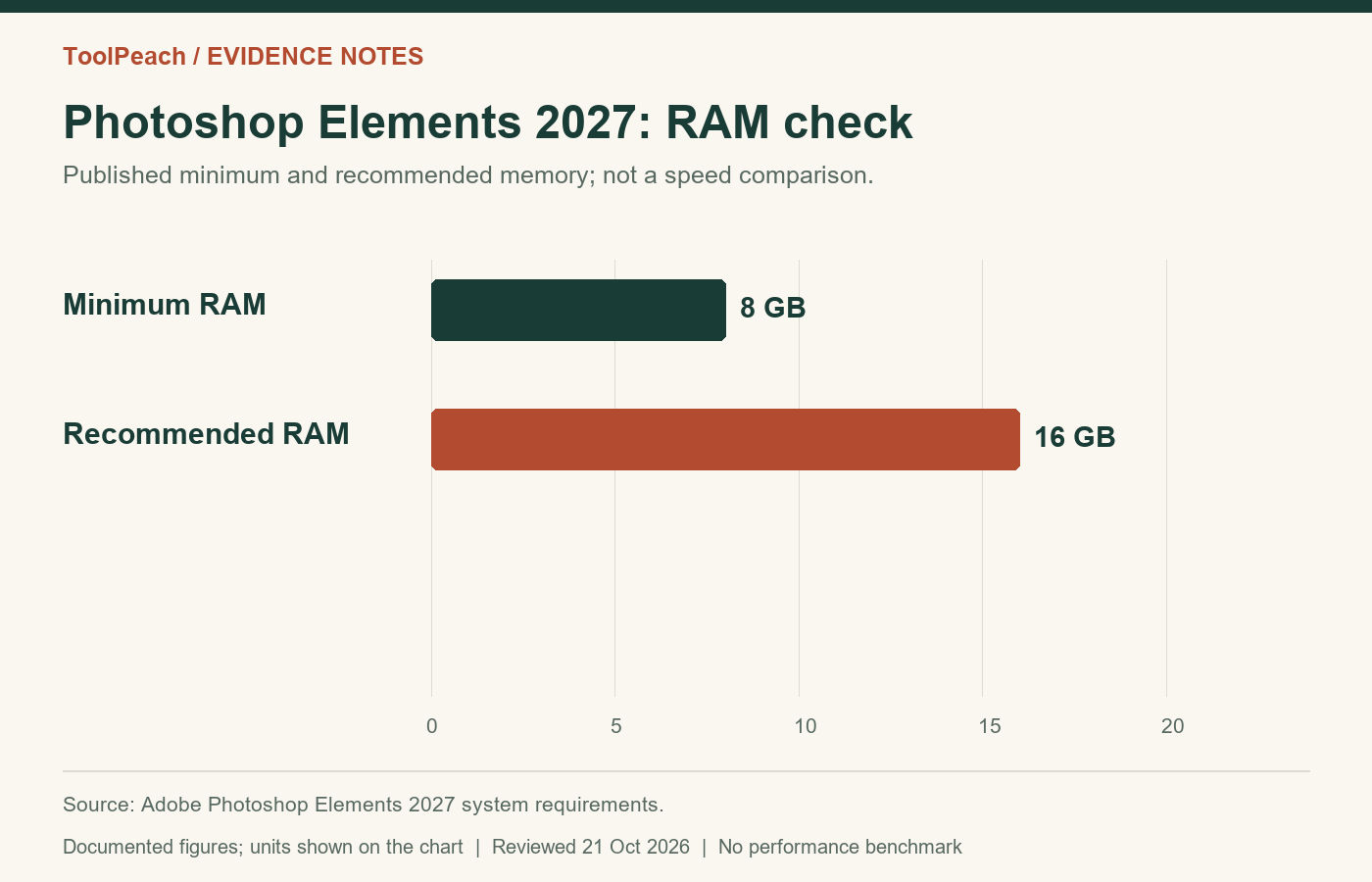
Photoshop Elements 2027 Review: License and AI Limits
A research-based review of Photoshop Elements 2027, covering its fixed license, monthly AI allowance, compatibility filters and a practical buying checklist.
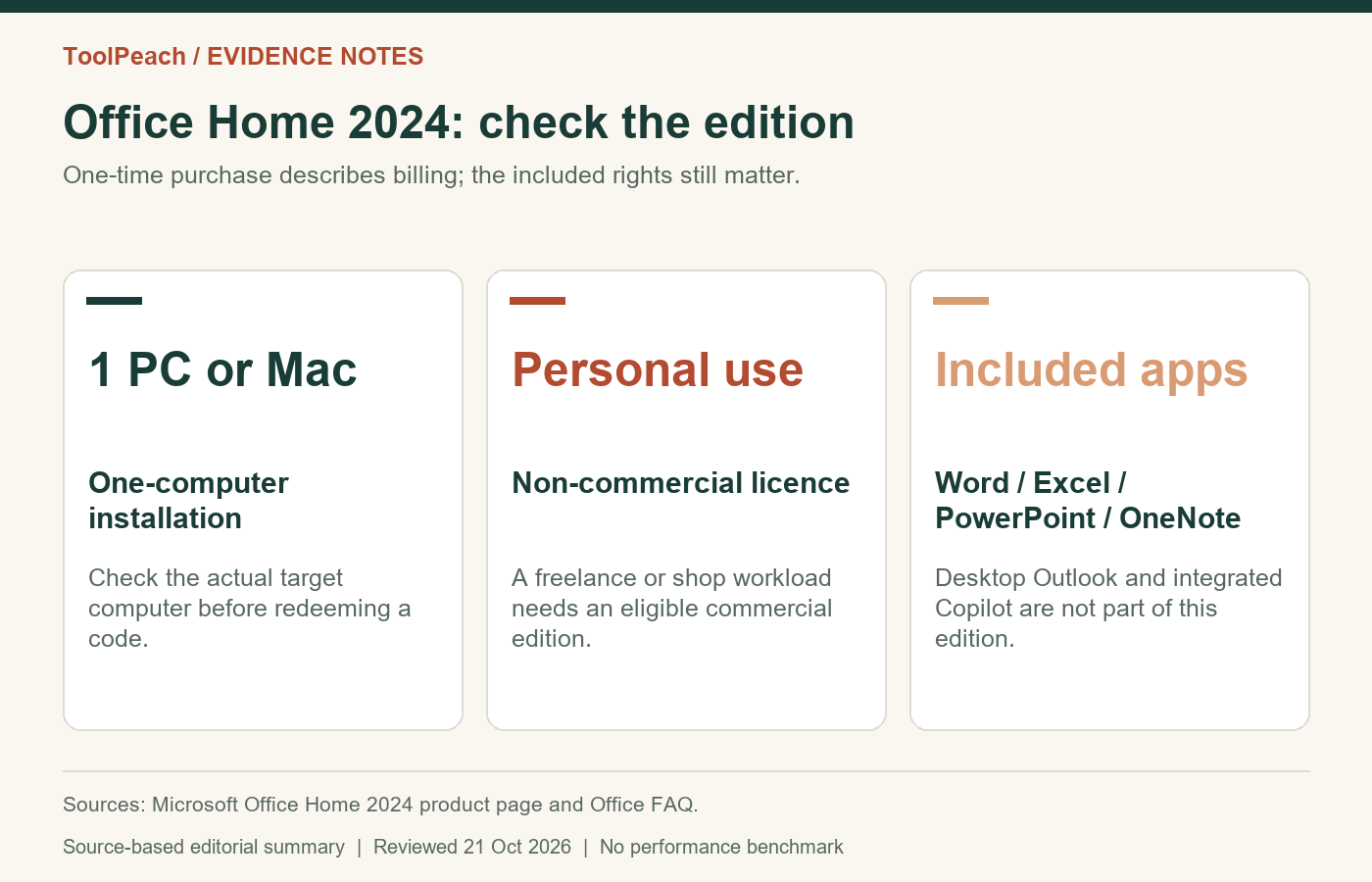
Office Home 2024 Review: One-Time License, Limits and Setup
A source-based review of Office Home 2024 for personal and study use, covering one-computer licensing, missing services, activation and the support horizon.